Theming
Built-in themes
Built-in themes
Introducing brand.yml
Using brand.yml with Quarto
HTML Theming
Quarto includes 25 themes from the Bootswatch project:
- default
- cerulean
- cosmo
- cyborg
- darkly
- flatly
- journal
- litera
- lumen
- lux
- materia
- minty
- morph
- pulse
- quartz
- sandstone
- simplex
- sketchy
- slate
- solar
- spacelab
- superhero
- united
- vapor
- yeti
- zephyr
How to Apply HTML Theming
Provide the custom theme under theme in the YAML heading:
However, we usually want to use our organization’s theme
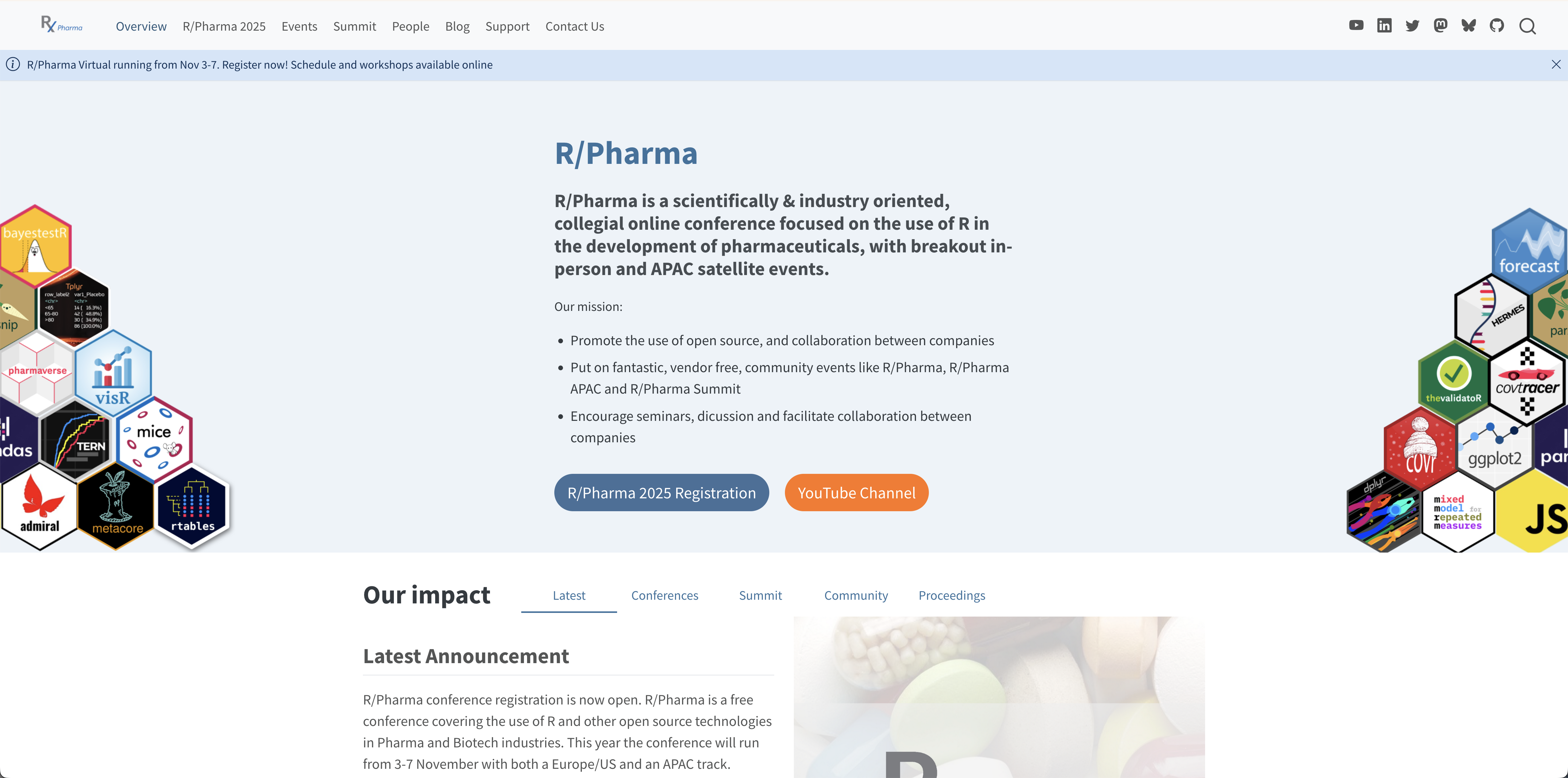
Introducing brand.yml
Built-in themes
Introducing brand.yml
Using brand.yml with Quarto

Create reports, apps, dashboards, plots and more that match your company’s brand guidelines with a single _brand.yml file.
brand.yml support
brand.yml is currently supported in:
- Quarto v1.6+
html,dashboard,revealjs,typst
- Shiny for Python v1.2
- R Markdown (with bslib v0.9.0)
- Shiny for R (with bslib v0.9.0)
Quarto + brand.yml
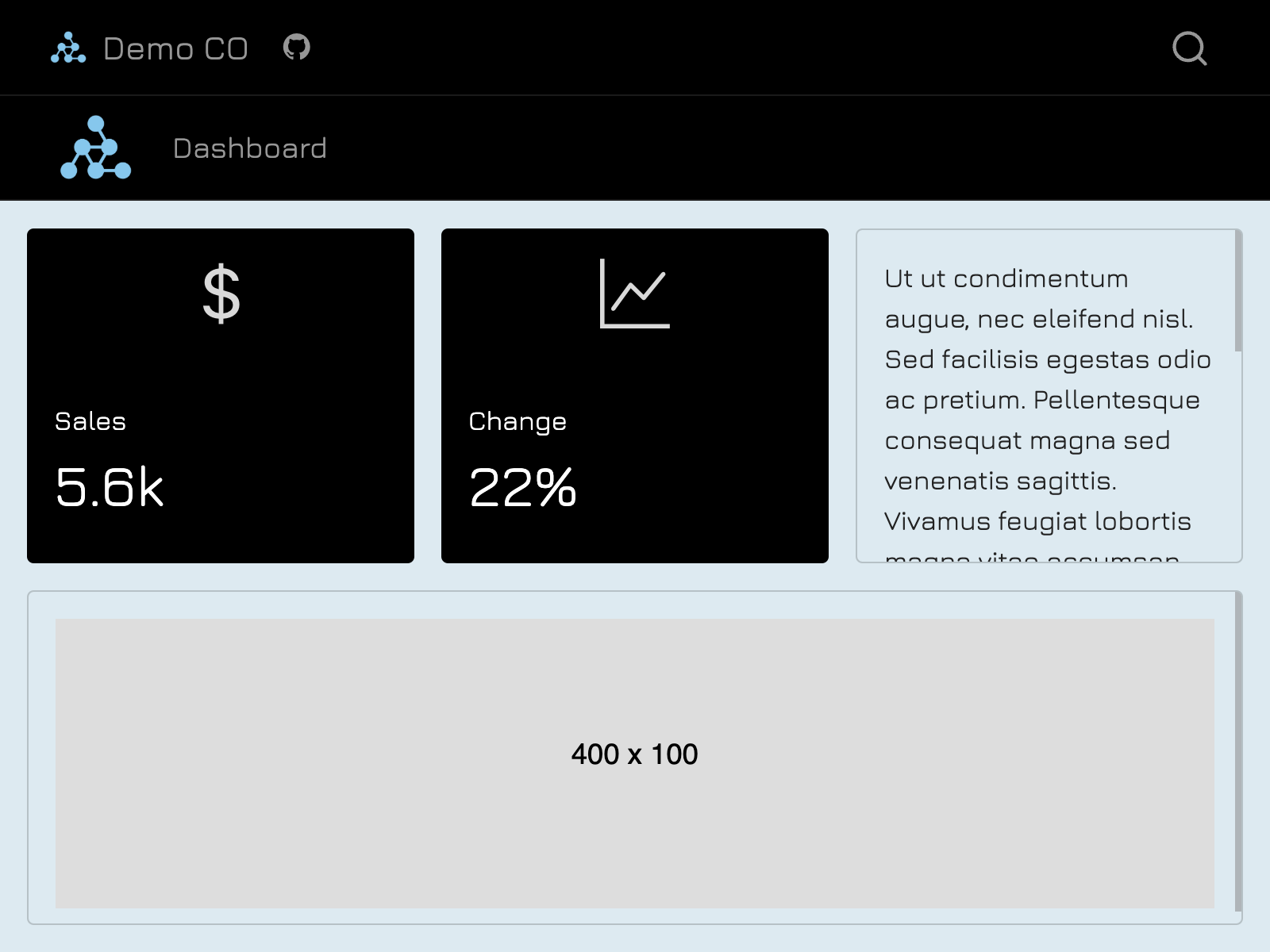
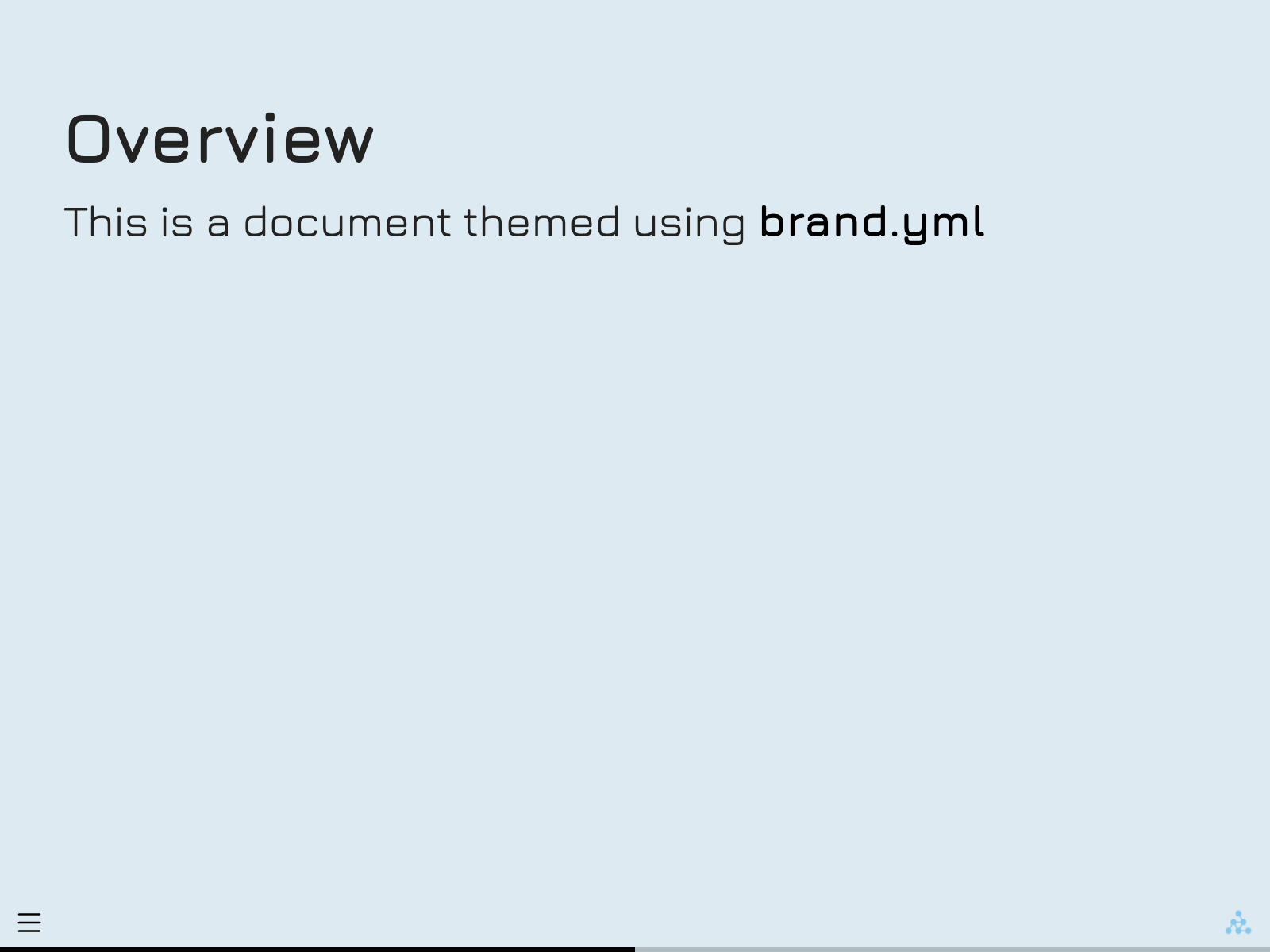
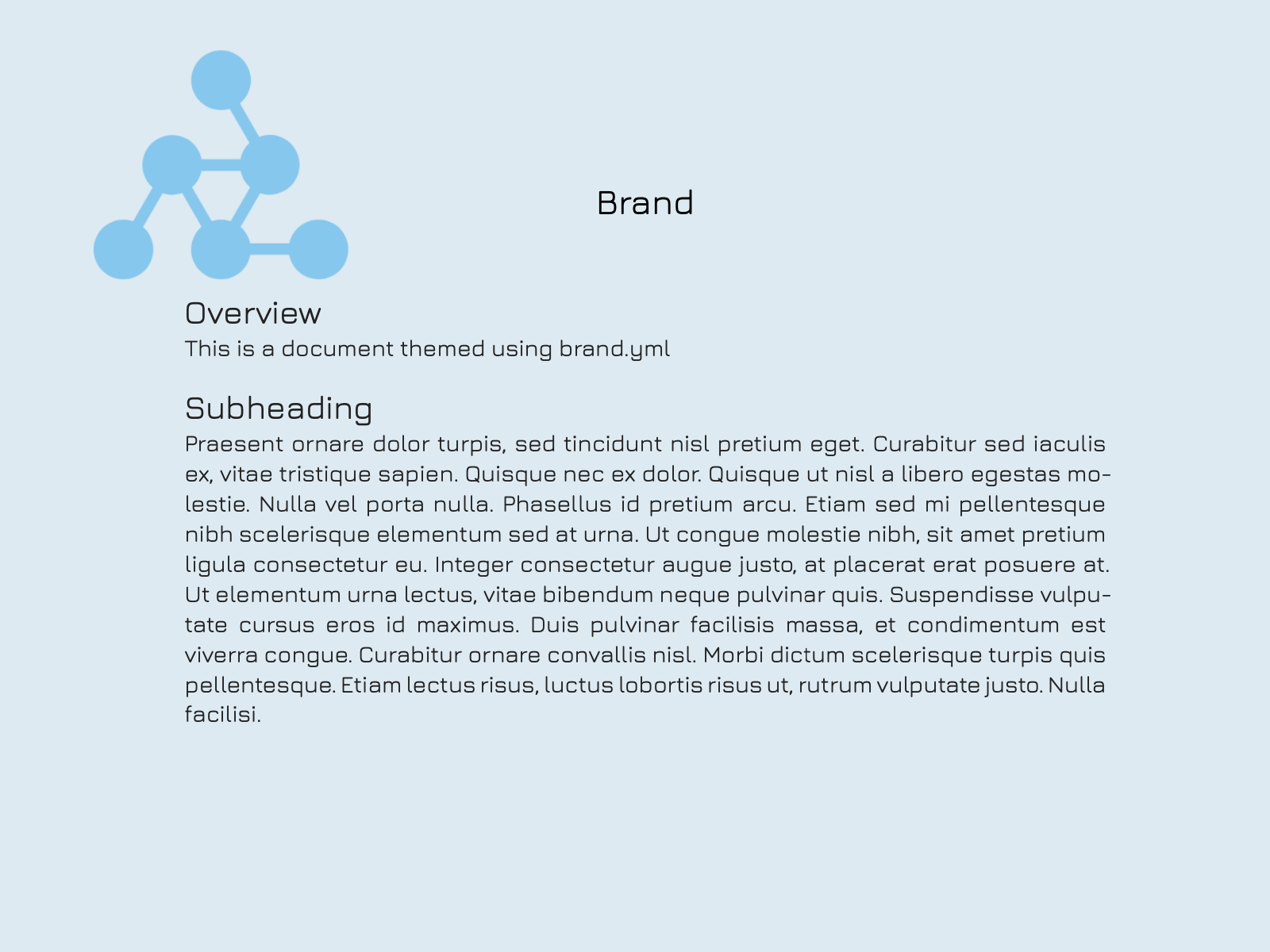
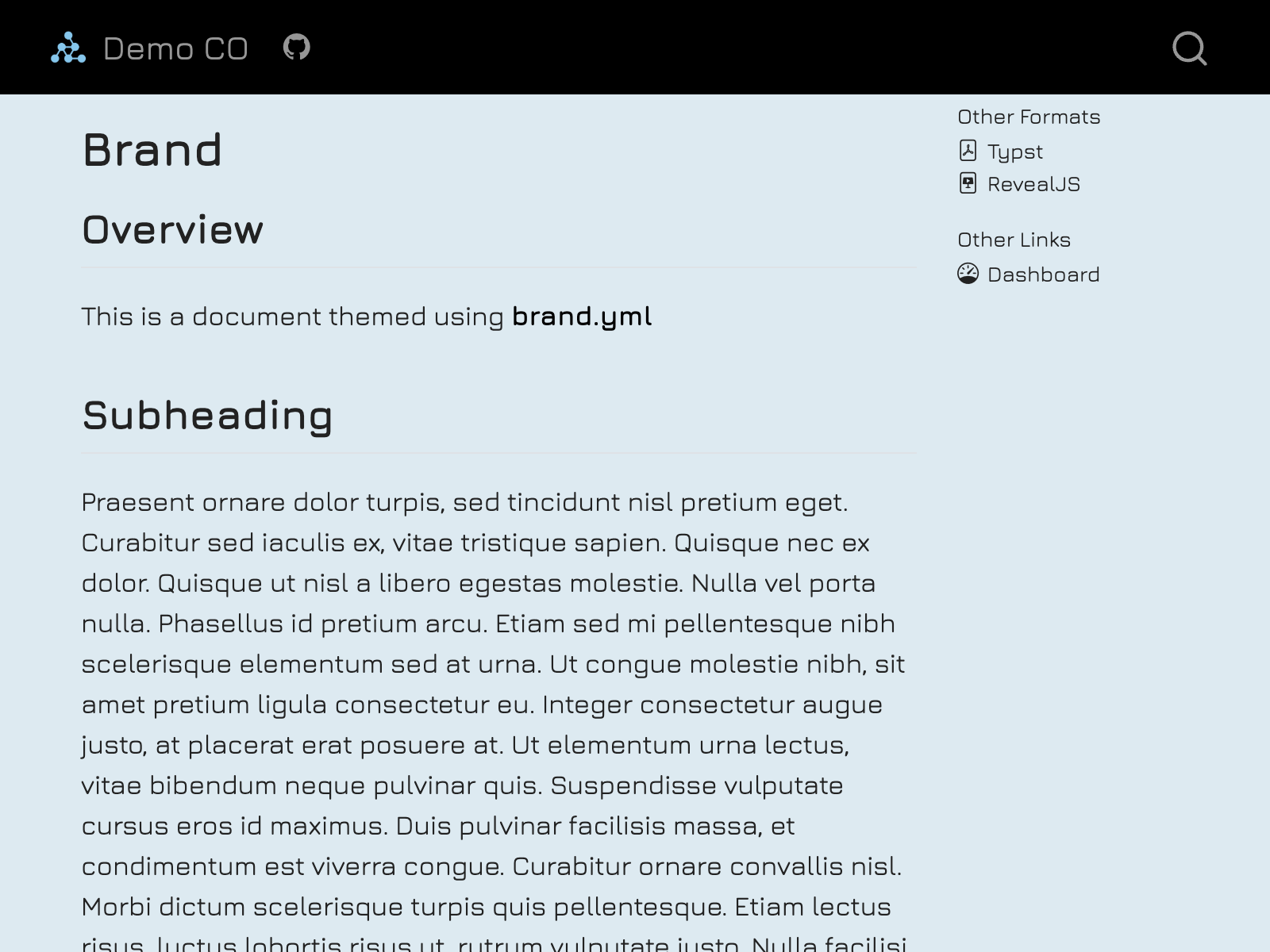
How to apply brand.yml
- Define branding in a single
_brand.ymlfile. - Save in the root directory of your Quarto project (alongside
_quarto.ymlif in a project)
Quarto will detect the presence of _brand.yml and automatically apply the brand to all documents of the supported formats in the project.
brand.yml elements
meta: Identifying information, name of the company, URLs, etc.logo: Files or links to the brand’s logos.color: Colors in the brand’s color palette.typography: Fonts for different elements.defaults: Additional context-specific settings.
_brand.yml
meta:
  name: Acme Corporation
  link: https://www.acmecorp.com

logo:
  small: logos/icon.png
  medium: logos/header-logo.png
  large: logos/full-logo.svg

color:
  palette:
    white: "#FFFFFF"
    black: "#151515"
    blue: "#447099"

  foreground: black
  background: white
  primary: blue

typography:
  base:
    family: Open Sans
  headings:
    family: Roboto Slab
  monospace:
family: Fira CodeMetadata
Metadata
Metadata
meta:
  name:
    full: Acme Corporation International
    short: Acme
  link:
    home: https://www.acmecorp.com
    docs: https://docs.acmecorp.com
    github: https://github.com/acmecorp
    bluesky: https://bsky.app/profile/acmecorp.bsky.social
    twitter: https://twitter.com/acmecorp
    linkedin: https://www.linkedin.com/company/acmecorp
    facebook: https://www.facebook.com/acmecorp
  description: |
    Acme Corporation is a leading provider of innovative solutions for cartoon
    characters worldwide.
founded: 1952Logo
Logo
Logo
Logo
Logo
logo:
  images:
    icon:
      path: logos/icon.png
      alt: "Company icon with abstract shapes"
    header:
      path: logos/header-logo.png
      alt: "Company name with logo"
    header-white:
      path: logos/header-logo-white.png
      alt: "Company name with logo in white"
    full:
      path: logos/full-logo.svg
      alt: "Full company logo with tagline"
  small: icon
  medium:
    light: header
    dark: header-white
large: fullColors
Colors
color:
  . . .

  foreground: black # Main text color
  background: white # Main background color
  primary: blue # Primary accent color, used for hyperlinks, etc.
  secondary: "#707073" # Secondary accent color, often used for lighter text
  tertiary: "#C2C2C4" # Tertiary accent color
  success: green # Color used for positive or successful actions
  info: teal # Color used for neutral or informational actions
  warning: orange # Color used for warning or cautionary actions
  danger: burgundy # Color used for errors, dangerous actions
  light: white # Bright color, used as a high-contrast foreground color
dark: "#404041" # Dark color, used as a high-contrast foreground colorColors
color:
  palette:
    white: "#FFFFFF"
    black: "#151515"
    blue: "#447099"
    orange: "#EE6331"
    green: "#72994E"
    teal: "#419599"
    burgundy: "#9A4665"

  foreground: black
  background: white
  primary: blue
  secondary: "#707073"
  tertiary: "#C2C2C4"
  success: green
  info: teal
  warning: orange
  danger: burgundy
  light: white
dark: "#404041"Colors
Typography
Typography
Typography
Typography
Typography
typography:
fonts:
# Local files
- family: Open Sans
source: file
files:
- path: fonts/open-sans/OpenSans-Variable.ttf
- path: fonts/open-sans/OpenSans-Variable-Italic.ttf
style: italic
# Online files
- family: Closed Sans
source: file
files:
- path: https://example.com/Closed-Sans-Bold.woff2
weight: bold
- path: https://example.com/Closed-Sans-Italic.woff2
style: italicTypography
typography:
  fonts:
    - family: Open Sans
      source: google
    - family: Roboto Slab
      source: google
    - family: Fira Code
      source: google
base: Open Sans # Font and appearance settings for the base (body) text
headings: Roboto Slab # Font and appearance settings for heading text
monospace: Fira Code # Font and appearance settings for monospaced text
link: Fira Code #Font and appearance settings for hyperlink textTypography
Defaults
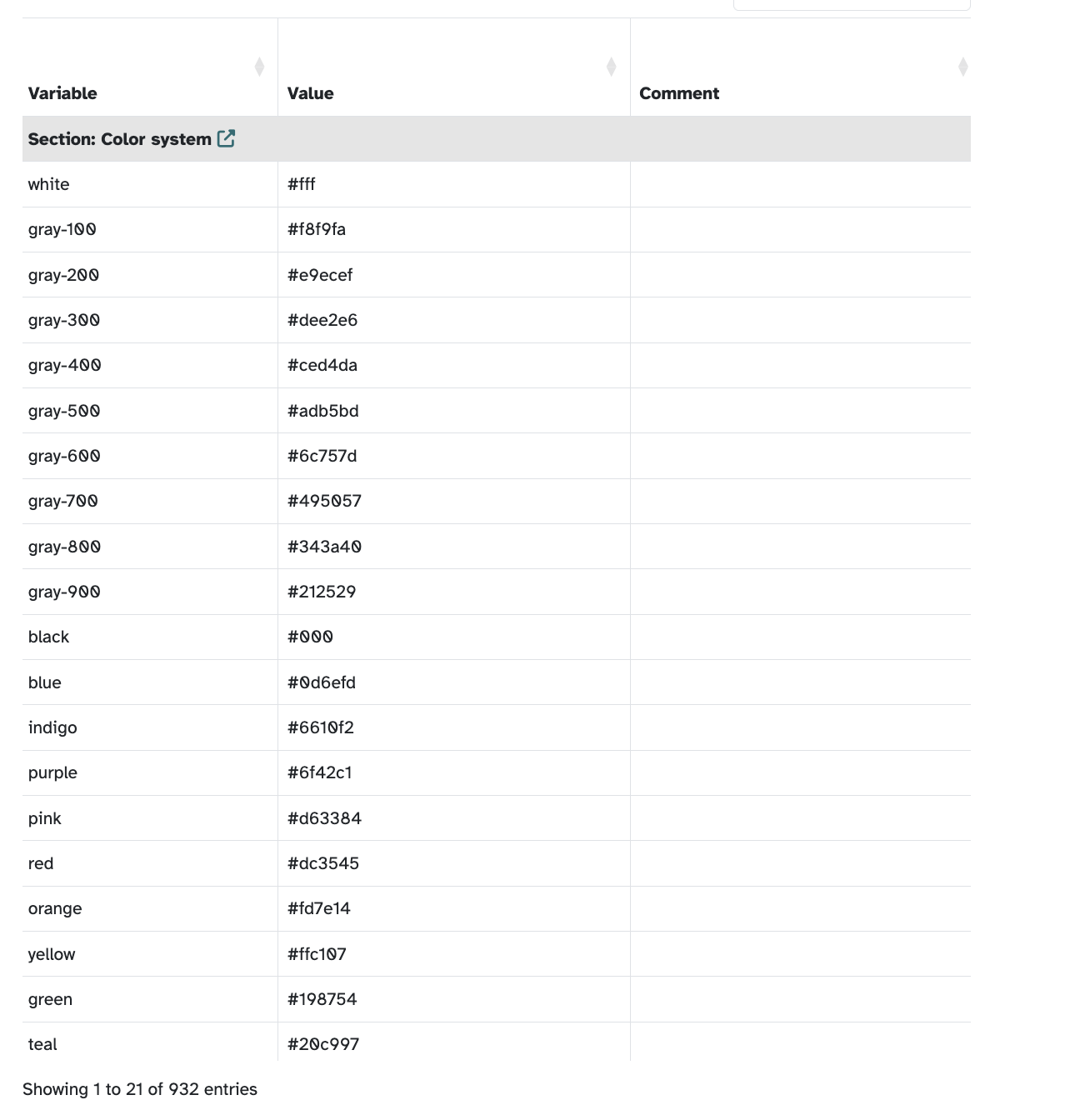
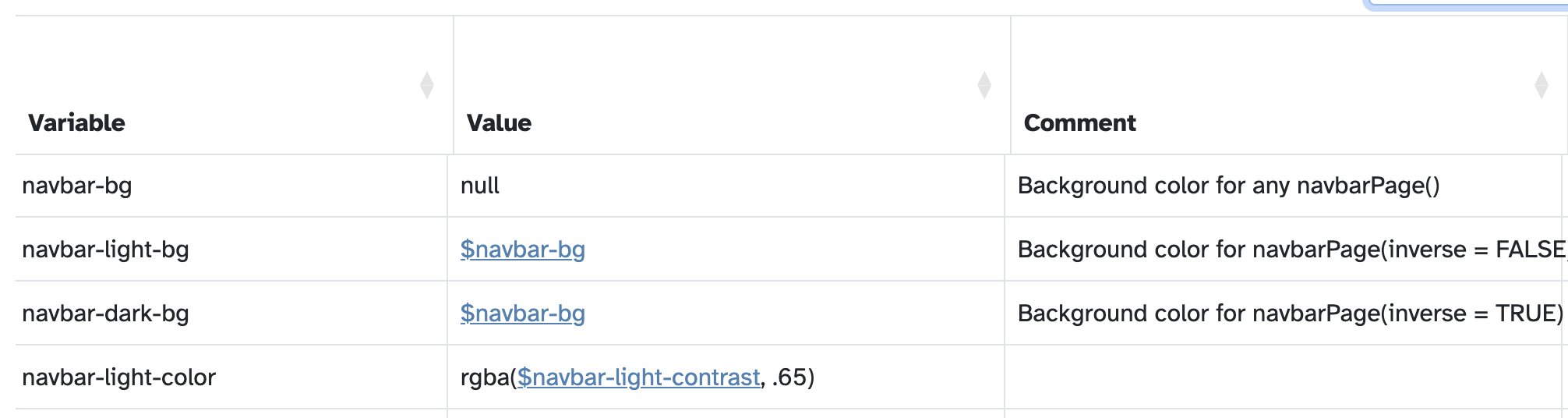
bslib + Defaults
Using brand.yml with Quarto
Built-in themes
Introducing brand.yml
Using brand.yml with Quarto
Using _brand.yml shortcodes

Other ways of applying brand.yml
If your brand file has a different name or lives in a subdirectory, use the brand key.
Disable brand.yml
To turn off brand.yml for a document, use brand: false.
Your turn
In the workshop repo, there is a file called 03-exercise.yml. Rename the file to _brand.yml and rerender your Quarto document.
Change some of the variables in the _brand.yml file and rerender to see how your theme changes.
02:30