Introduction

Welcome

  • Welcome

  • Introduction to Quarto

  • Getting started

About me

ivelasq

ivelasq

ivelasq.rbind.io

ivelasq3

About you

Please share in the chat…

  • Your name
  • Your professional affiliation
  • What you produce with data (reports, dashboards, etc.)
  • What programming language you use

About this workshop

These materials are pitched at someone who:

  • knows some R
  • has R installed
  • creates documents that display output from code
  • new to Markdown and Quarto

What you will walk away with:

  • An introductory knowledge of Quarto and its benefits of telling stories with data
  • A working knowledge of theming documents
  • Examples of documents with code

Workshop structure

My turn

  • Lecture segments
  • Feel free to just watch, take notes, browse docs, or tinker around with the code

Our turn

  • Lecture segments + live coding
  • (Optionally) Follow along with live coding

Your turn

  • Practice exercises for you!
  • Ask questions in the chat if you run into issues

Instructions

Introduction to Quarto

  • Welcome

  • Introduction to Quarto

  • Getting started

What is Quarto®?

Quarto® is an

open-source

scientific and technical

publishing system

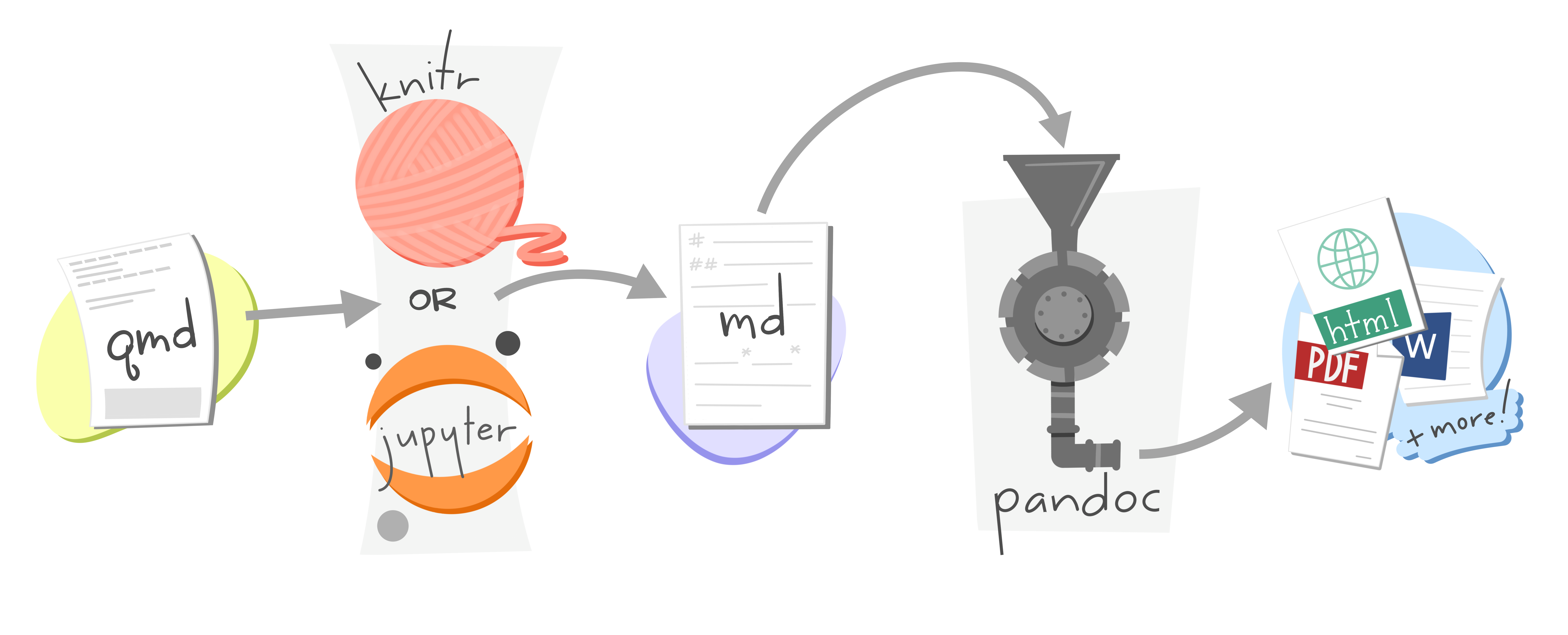
built on Pandoc.

With Quarto…

you can weave together narrative and code to produce elegantly formatted output as documents, web pages, blog posts, books and more.

  • Create dynamic content with Python, R, Julia, and Observable
  • Edit documents in your favorite editor
  • Publish technical content in HTML, PDF, MS Word, and more
  • Share technical content by publishing to Posit Connect, Confluence, or other publishing systems

“Literate programming”

How does Quarto work?
Why Quarto?

  • Multilingual and independent of computational systems
  • Quarto comes “batteries included” straight out of the box
  • Consistent expression for core features
  • Extension system
  • Enable “single-source publishing” — create Word, PDFs, HTML, etc. from one source
  • Use defaults that meet accessibility guidelines

What can you build with Quarto?

Quarto capabilities

Built for technical documents:

  • Cross references
  • Advanced layout
  • Figure/layout panels
  • Callouts
  • Diagrams
  • Extensions
  • Interactivity
  • YAML intelligence
  • Publishing
  • Conditional content
  • Notebook filters

️Wrap up

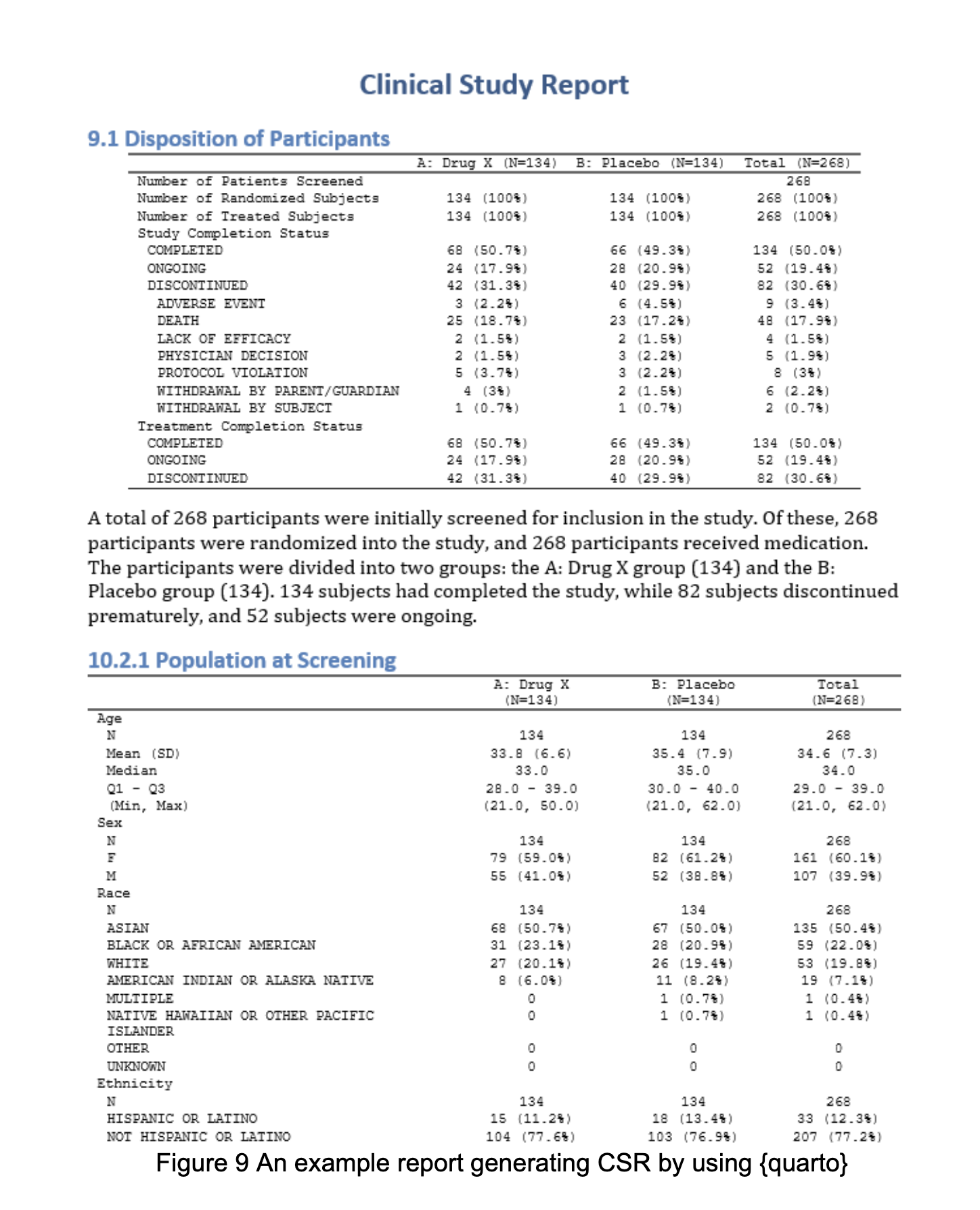
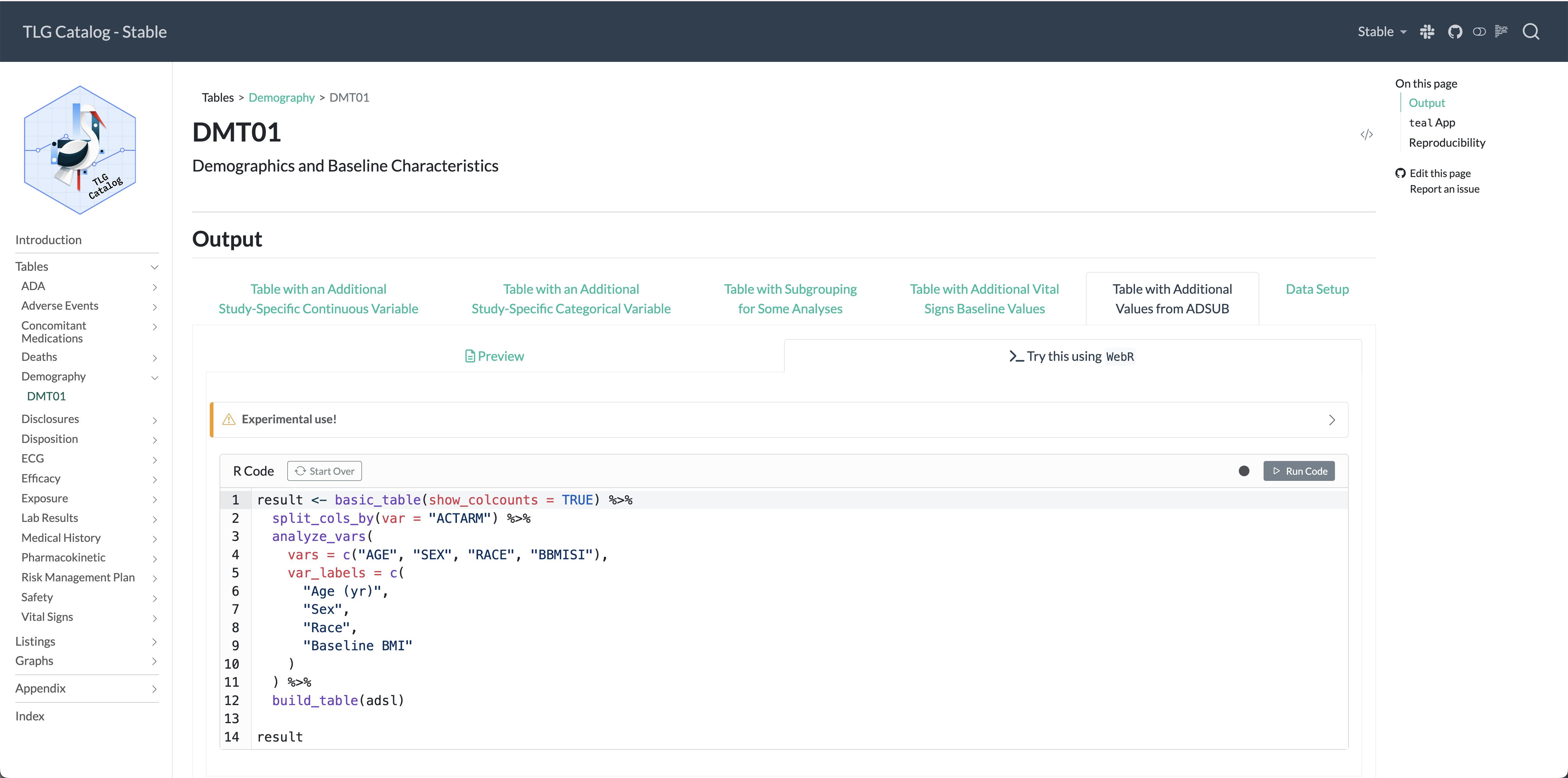
Quarto + Pharma = ❤

Getting started

  • Welcome

  • Introduction to Quarto

  • Getting started

Installation

Tools for authoring

Terminal
quarto render

Our turn

Let’s walk through your options for today.

  1. Posit Cloud
  2. Local installation

Your turn

Go to the workshop website and click on 00 - Introduction in the sidebar.


bit.ly/rpharma2025-quarto


Follow the setup instructions at the bottom.

05:30

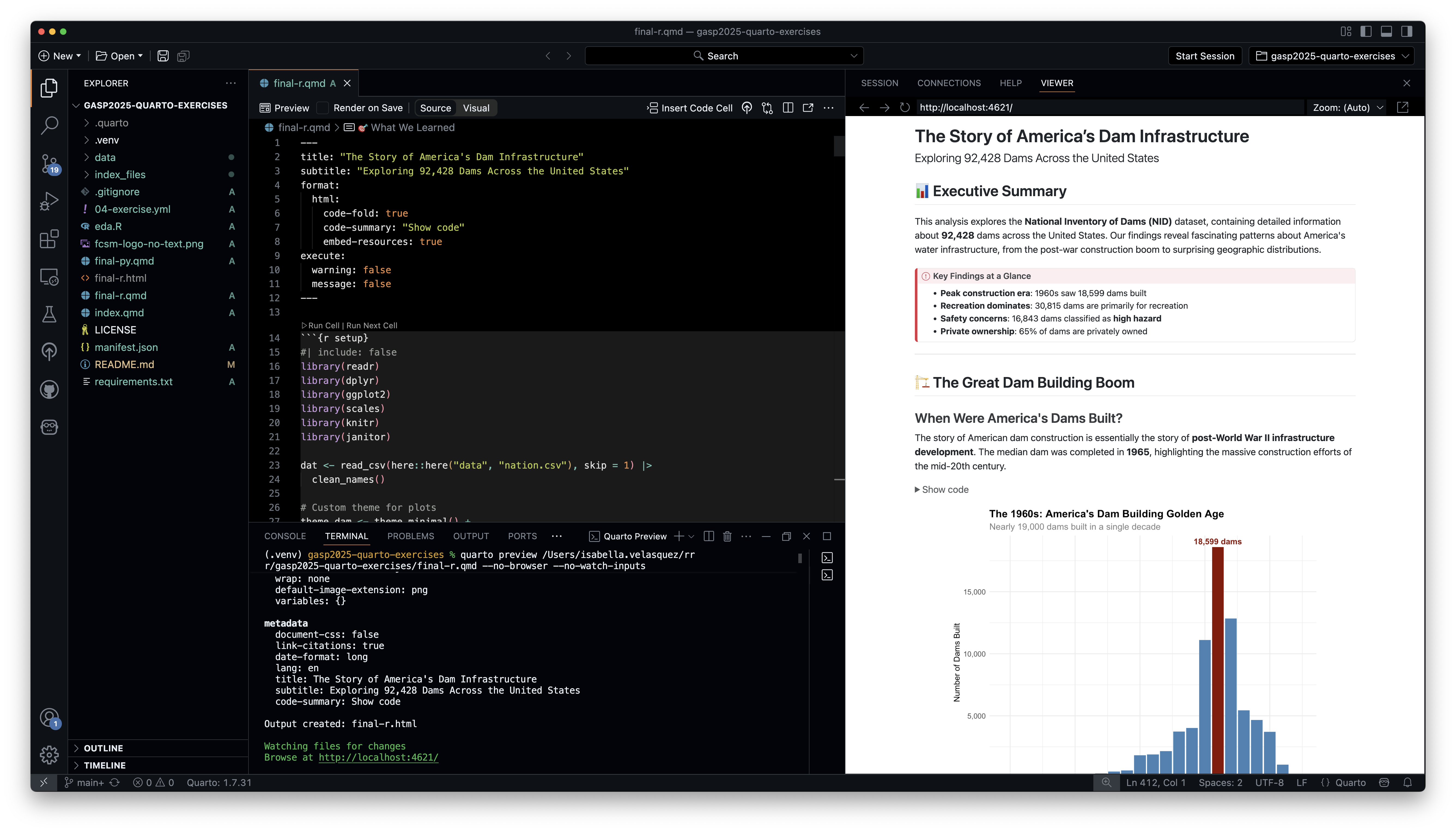
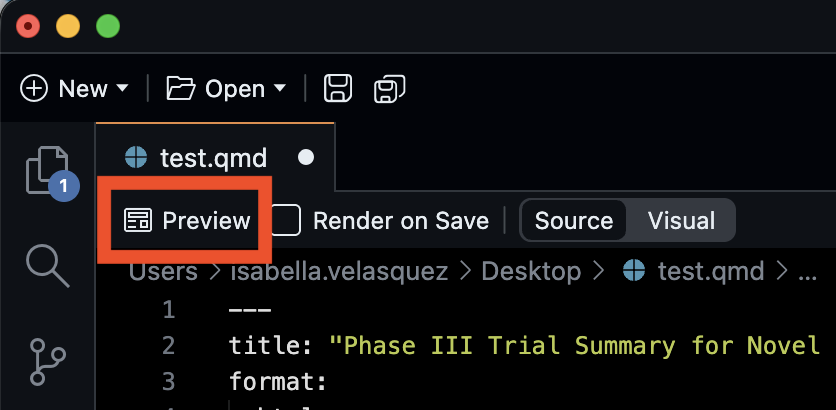
Our turn: Quarto workflow

  • Open a .qmd file.
  • Preview/render the document.
  • Make a change and preview/render again.
Your turn

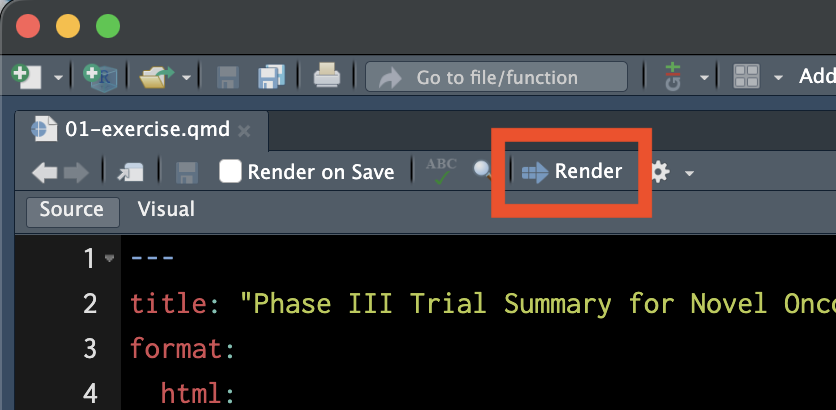
  • Open the 01-exercise.qmd file.
  • Preview/render the document.
    • Posit Cloud: You may be asked to allow pop-ups.
  • Edit the title and preview/render again.

03:00